
Tech
Our tech guides cover laptops, tablets, wearables and accessories, with a focus on ease of use and daily comfort. Each guide compares specs, manufacturer information and owner reviews and names a pick for different needs and budgets.
Jump to: Best-of Buying Guides
Best-of Buying Guides
Ranked picks with a comparison table, pros, cons and who should skip each one.












How to choose tech
Ease of use usually beats raw power
For everyday tech, the right question is how easily you will use it every day, not which chip is fastest. A laptop for seniors should have a comfortable screen, a keyboard with good key travel and a simple setup. A Chromebook is a good fit if you mostly browse, stream, write and use web apps, because it starts quickly and needs little maintenance. If you rely on specific Windows or Mac software, check compatibility first.
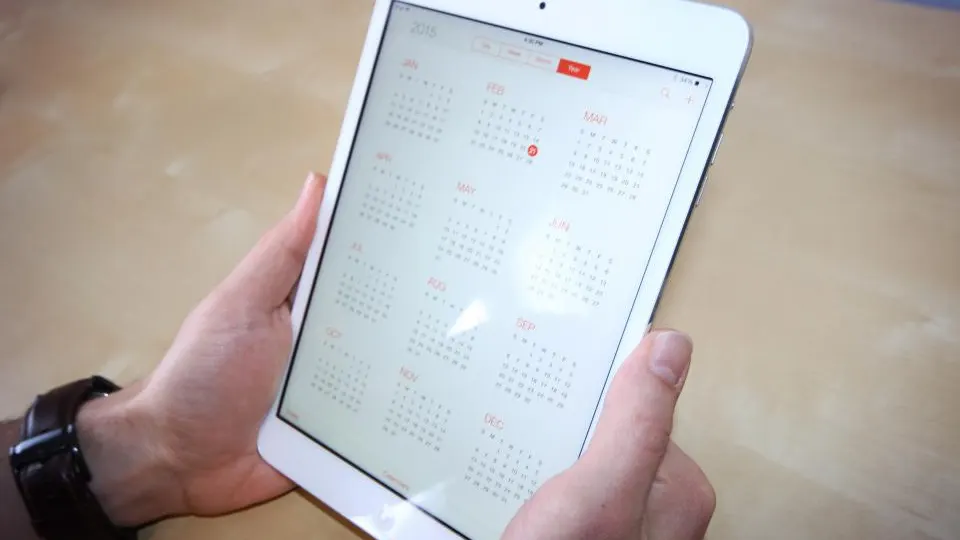
Tablets follow the same logic. A tablet for seniors puts screen size and simple menus first, while a budget tablet makes sense for streaming, reading and video calls. Check the operating system, app store and how long the maker promises software updates.
Wearables and health features
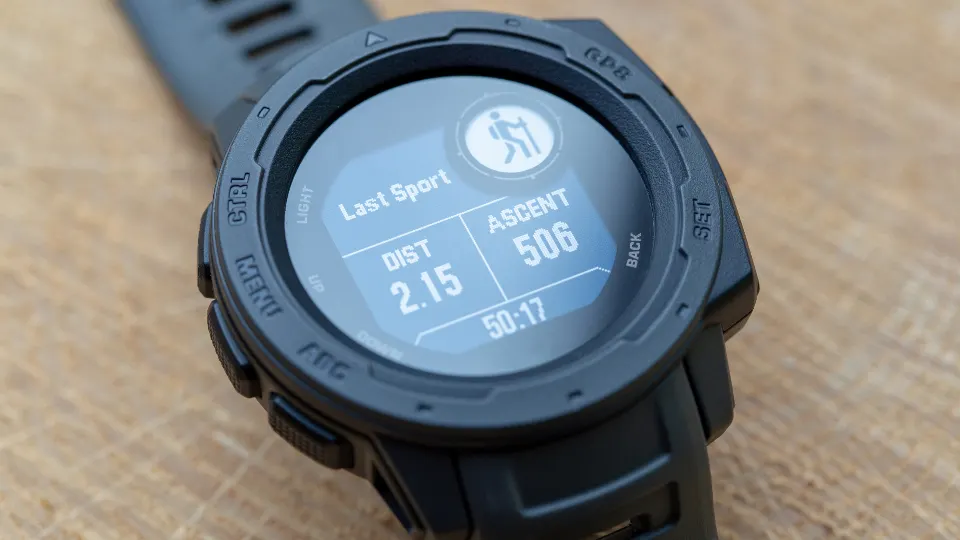
With wearables, decide what you actually want to track. A fitness tracker is usually lighter and has longer battery life, while a smartwatch adds apps, calls and notifications. If safety is the goal, read the manufacturer's description of any fall detection feature carefully. Our smartwatch for seniors with fall detection guide notes the requirements, such as phone pairing, cellular plans or subscriptions, that determine whether the feature works when it matters. These devices are not medical equipment.
Accessories and home networking
Accessories are where compatibility mistakes happen. For a power bank, check output wattage against your laptop or phone, plus airline capacity limits if you fly. A 3-in-1 wireless charger should list the charging standards your phone supports, and not every phone gets the top speed. A wireless mouse or mechanical keyboard comes down to fit, switch type and connection method.
For video calls, a webcam helps most when lighting and framing are good, so do not pay for resolution you will not use. If Wi-Fi drops in some rooms, a mesh Wi-Fi system often solves it better than a single stronger router, but check whether your home has Ethernet for wired backhaul, which can improve results.
What to skip and where to start
Skip features you will not use: extra storage tiers, subscription bundles and accessories bundled to inflate the value. Look at warranty terms, return windows and software support instead. Start with the guide that matches the device you use most, read its quick answer, and confirm current specs on the manufacturer's page before buying.